Automatic Enhancement
Upload your image and let the enhancer handle the cleanup without manual editing or multiple adjustments.
Enhance photo quality by reducing grain, compression artifacts, and mild softness while preserving natural texture, colors, and framing. Turn low-quality images into cleaner, more polished visuals for product listings, social media, presentations, and creative projects.
Drop an image here


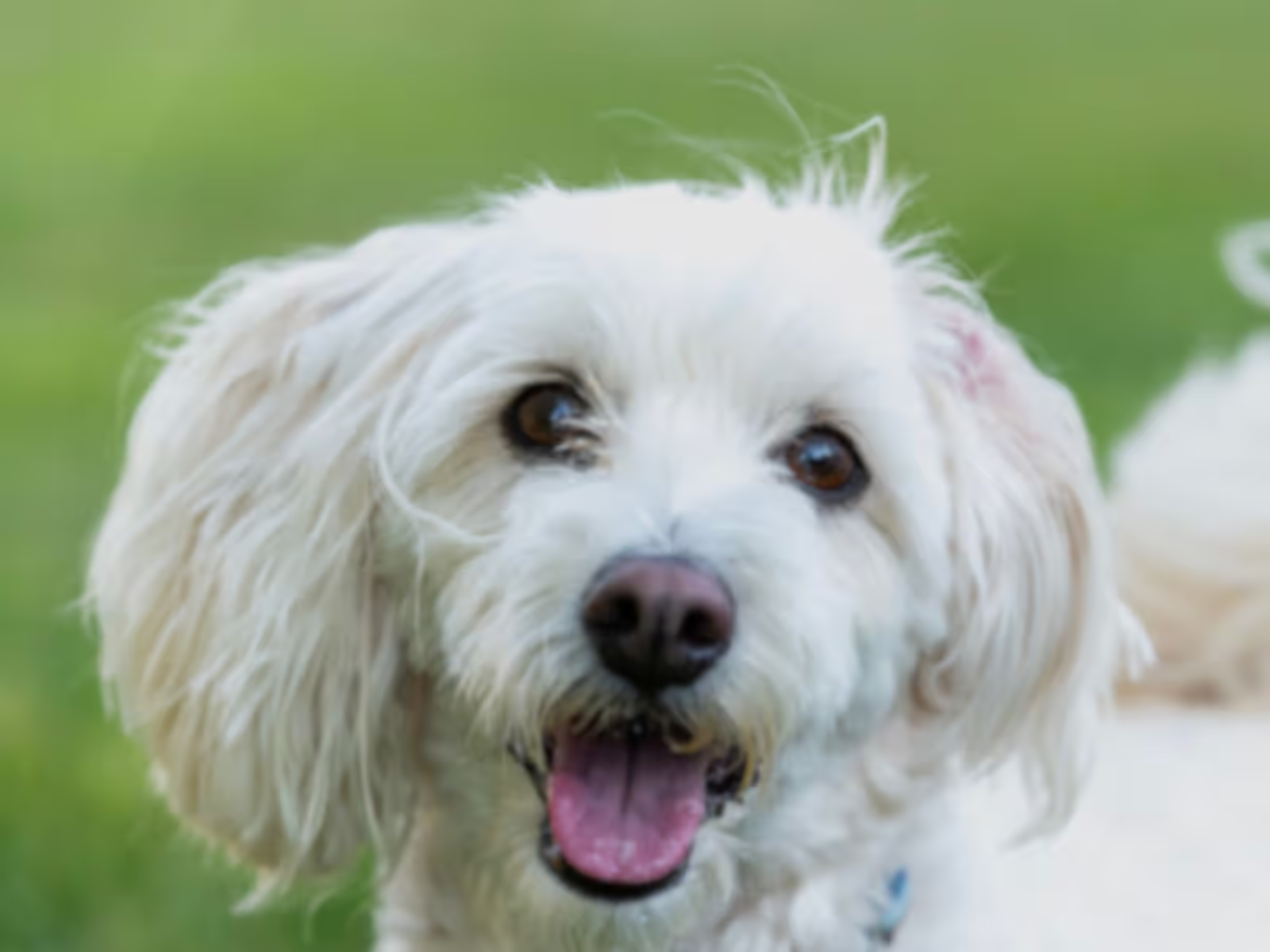
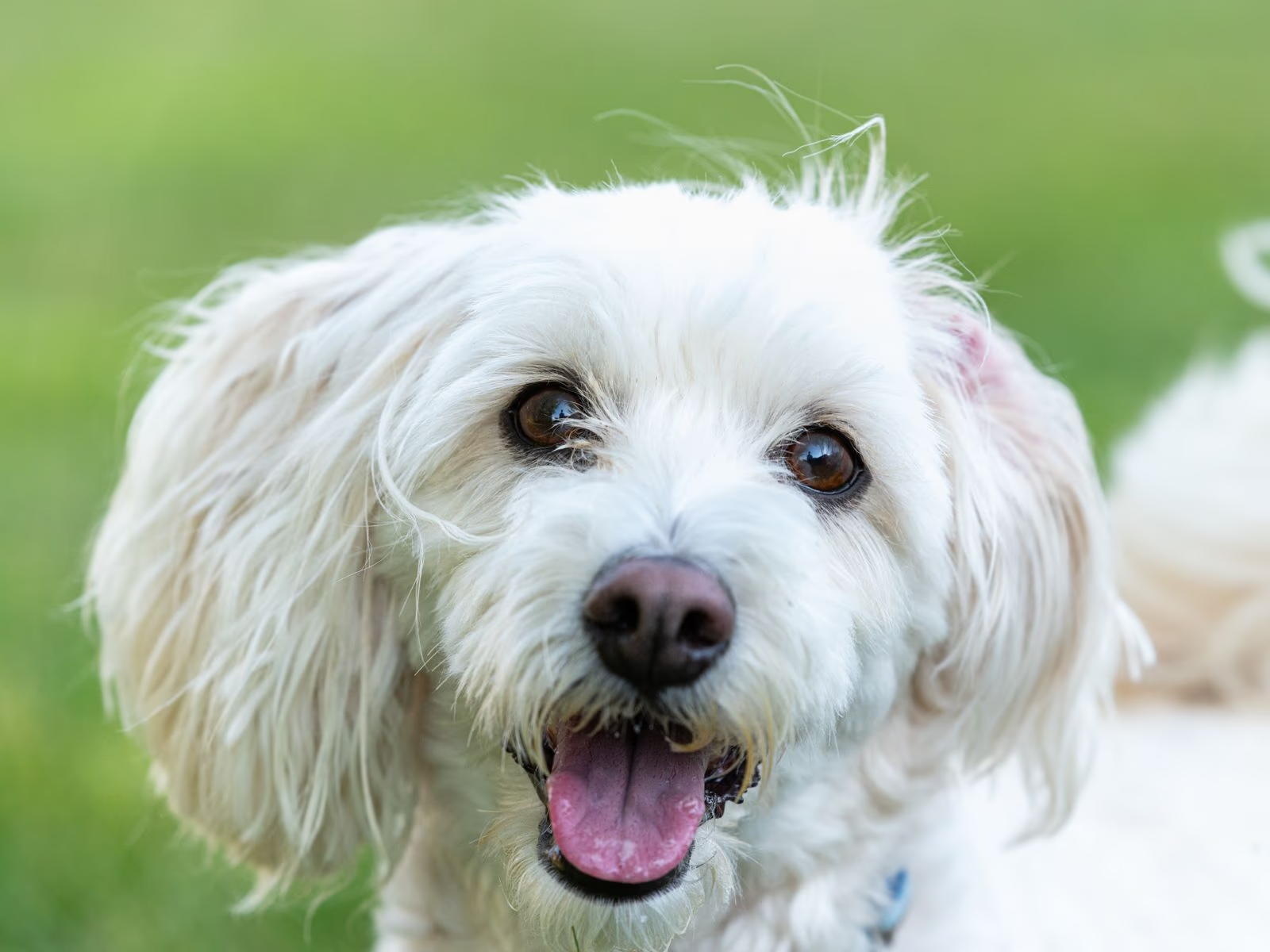
Move the slider to compare texture and detail with the original.


Clean up visible flaws while keeping natural texture and the photo's original look.
Photos saved from chat apps and social feeds often pick up blocky skies, color banding, and grain after being compressed again and again. The enhancer smooths out those artifacts and rebuilds the detail underneath, so the image looks clean enough to reuse.
Compression and grain can bury subtle texture even when the subject is still in focus. The enhancer makes existing detail in hair, fabric, foliage, and product surfaces easier to see.
The enhancer works on texture rather than changing the overall look of your photo. Colors stay close to the source and the framing remains intact, helping product listings stay consistent and profile photos remain recognizable. It isn't designed to fix exposure or white balance; make those edits first, then enhance the image.
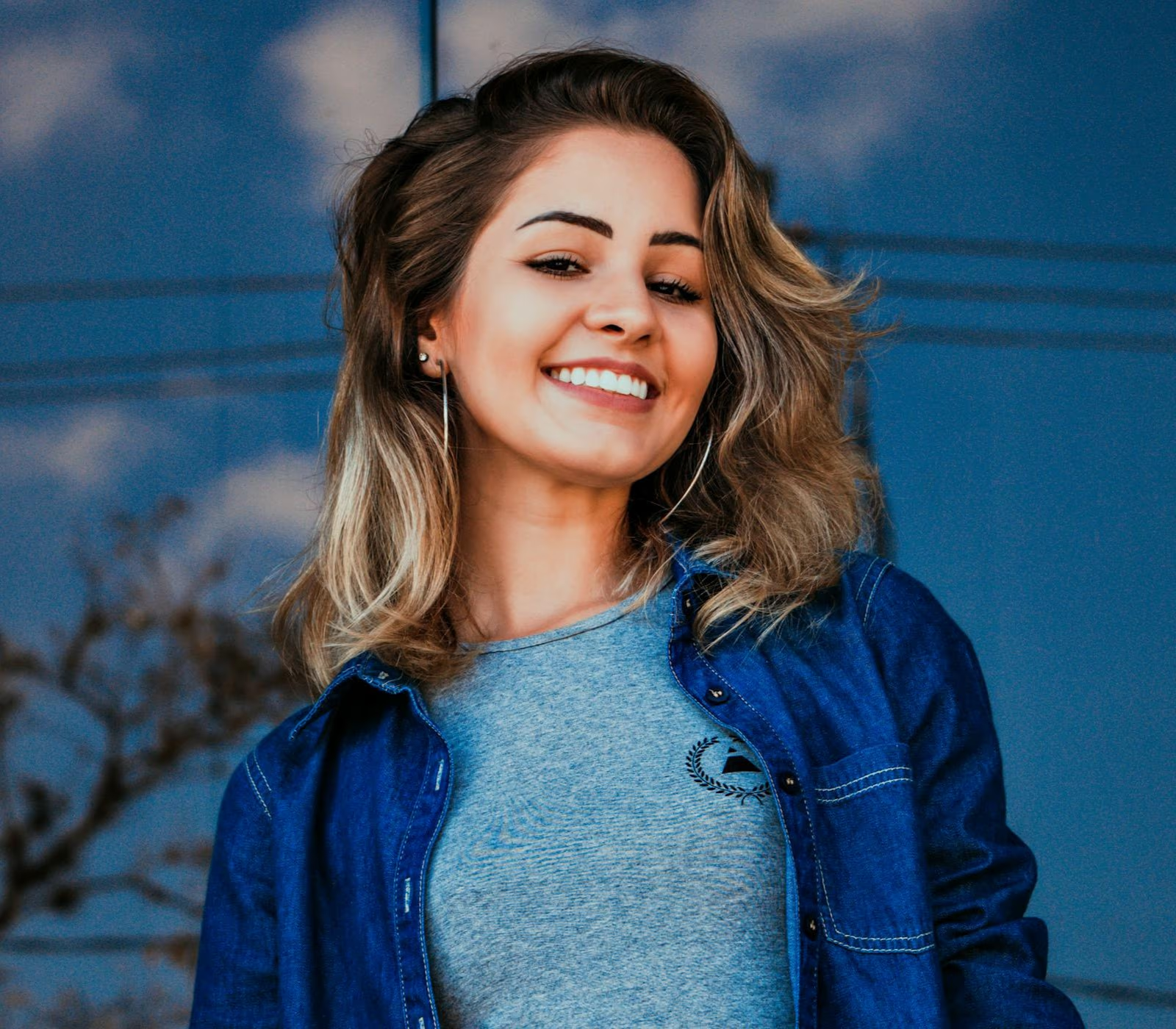
Sign in, then add a JPG, PNG, or WebP up to 20 MB and 36 megapixels. Phone photos, screenshots, and images saved from social apps all work.
The enhancer clears away grain and compression blocks and brings out the detail underneath.
Drag the slider to check skin, text, and fabric against the original, then save the result.
Enhance everyday images automatically, work with large files in common formats, and inspect the finished result before downloading.
Upload your image and let the enhancer handle the cleanup without manual editing or multiple adjustments.
Upload JPG, JPEG, PNG, or WebP images up to 20 MB and 36 megapixels without resizing them first.
Clean up phone photos, screenshots, product shots, and AI-generated artwork affected by grain, compression, or mild softness.
Use the side-by-side slider to check faces, text, and texture against the original before saving your result.