Works in Your Browser
Use the image unblur tool online without installing desktop software or learning a complex photo editor.
Bring a recognizable subject into clearer view. Reduce blur from missed focus, shake, or motion. Recover finer facial features, more defined edges, and easier-to-read text. Keep natural-looking textures without an oversharpened or artificial finish.
Drop a blurry photo here
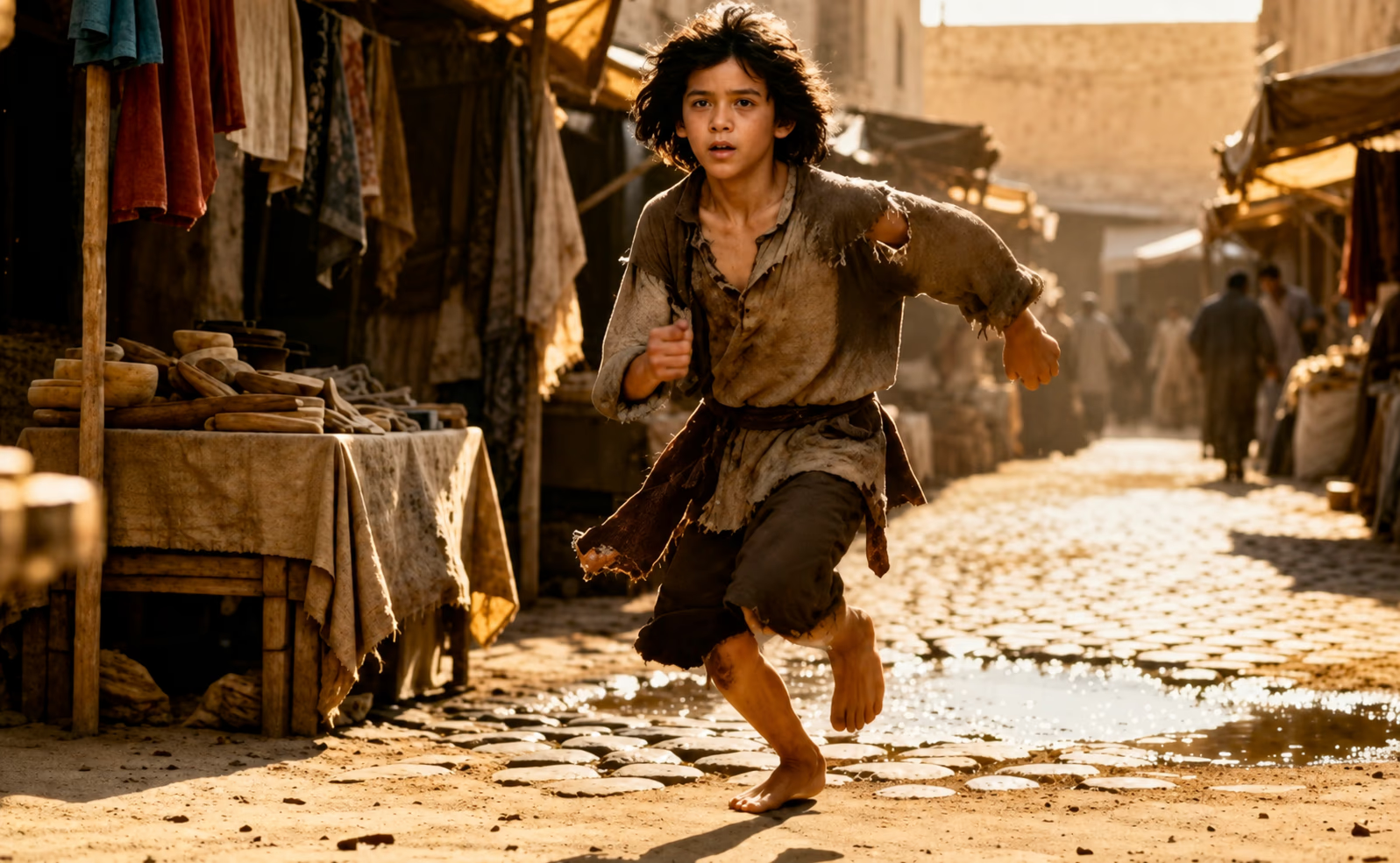
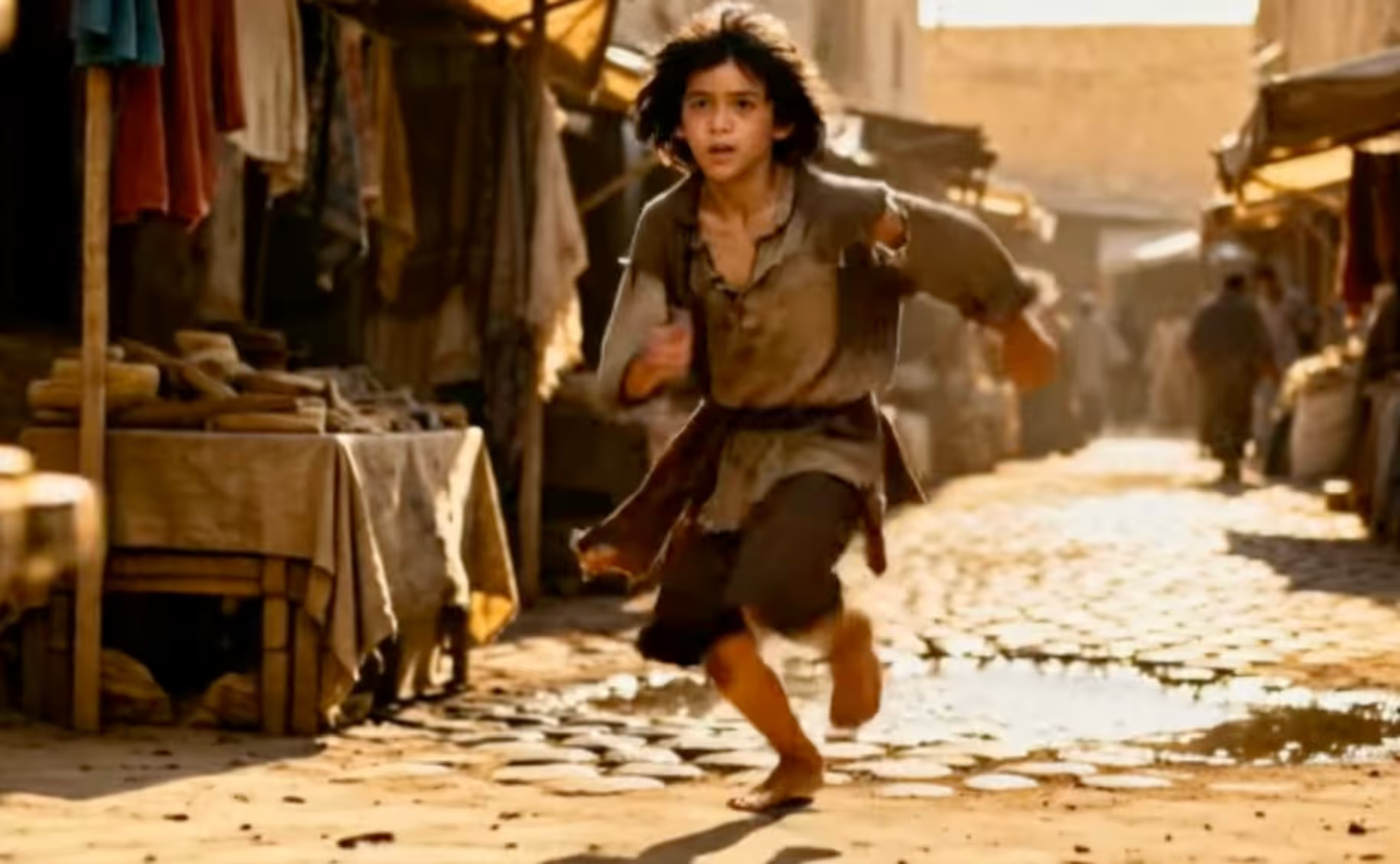
Use the slider to compare a portrait, a moving subject, and a handheld scene.


Reduce visible blur across facial features, fine details, textures, edges, and photographed text.
Autofocus can settle on the background and leave the person soft. When the face is still recognizable, the tool makes existing boundaries around the eyes, brows, and hair easier to see without resizing the photo.
Indoor light, a moving pet, or an unsteady hand can leave faint double edges across an otherwise good photo. Processing can make those contours easier to follow, although long motion trails may remain.
A shaky hand or missed focus can soften words on a receipt, whiteboard, sign, or screen photo. When the character shapes remain visible, processing can make them easier to inspect; verify names, numbers, and other important text against the source.
Choose a single JPG, PNG, or WebP image up to 20 MB and 36 megapixels. Photos with a recognizable subject give the tool more to work with.
The tool works automatically across the full photo and keeps its original width and height, so there are no settings to adjust.
Check faces, lettering, and edges against the original, then download the result as a PNG when it looks useful to you.
The workflow stays simple, the output size stays predictable, and the limits are visible before you commit to the result.
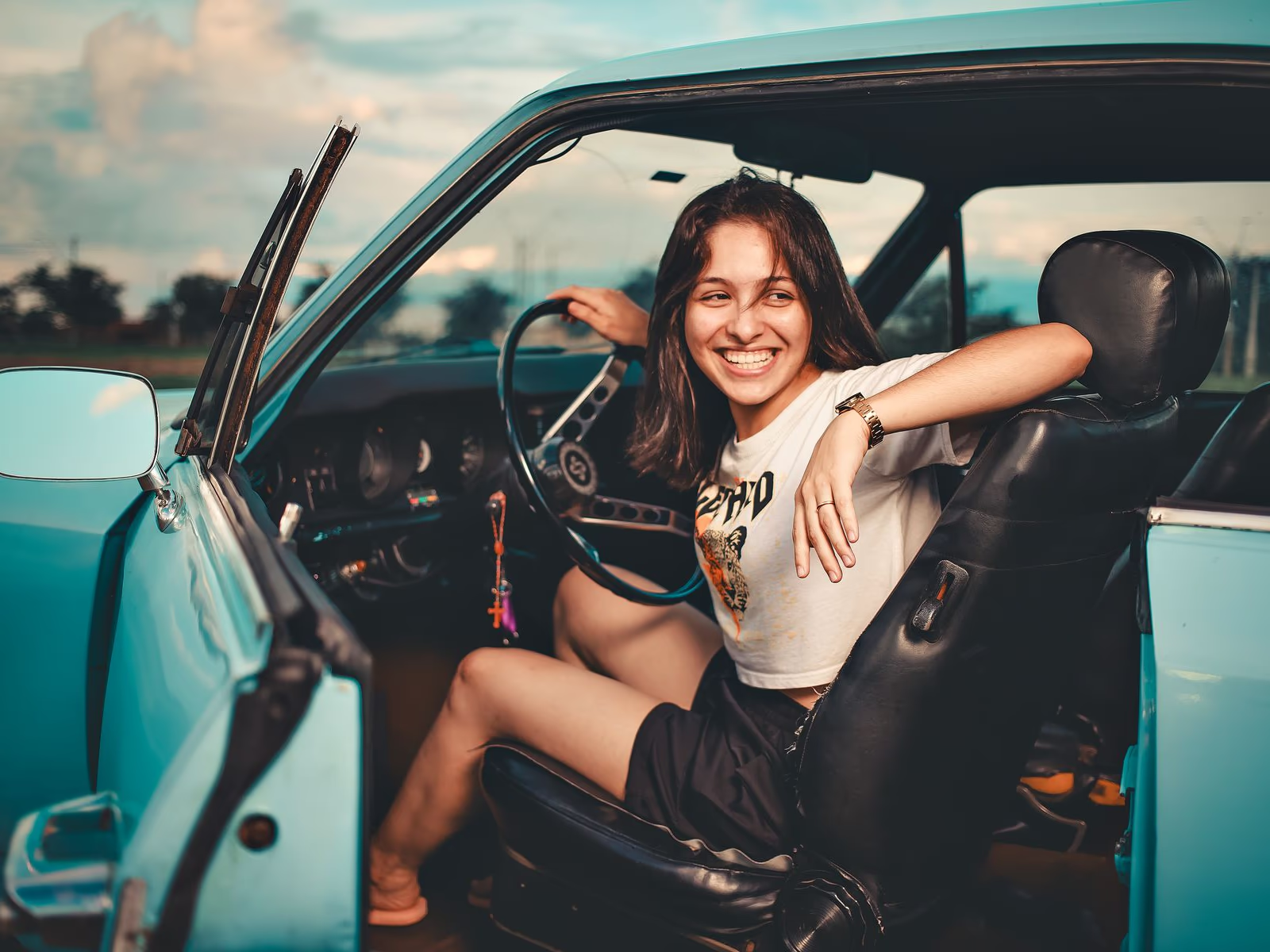
Use the image unblur tool online without installing desktop software or learning a complex photo editor.
We protect your privacy throughout processing. Your upload and result stay private to your account and are not used to train AI models.
Upload one photo for automatic full-image processing—no blur type or strength settings required.
Compare faces, lettering, and edges with the slider before deciding whether to download the finished PNG.
What can improve, what may remain, which tool to choose, and what happens to your uploaded photo.