Upscale Images and Keep Fine Details Clear
Have a small image that turns pixelated when enlarged? Give it the resolution it needs for your next website, presentation, social post, or print layout—so outlines look smoother, textures stay visible, and your image can take up more space without looking stretched or blocky.
Drop a low-resolution image here


More Visible Detail After Upscaling
Compare the original and upscaled images.


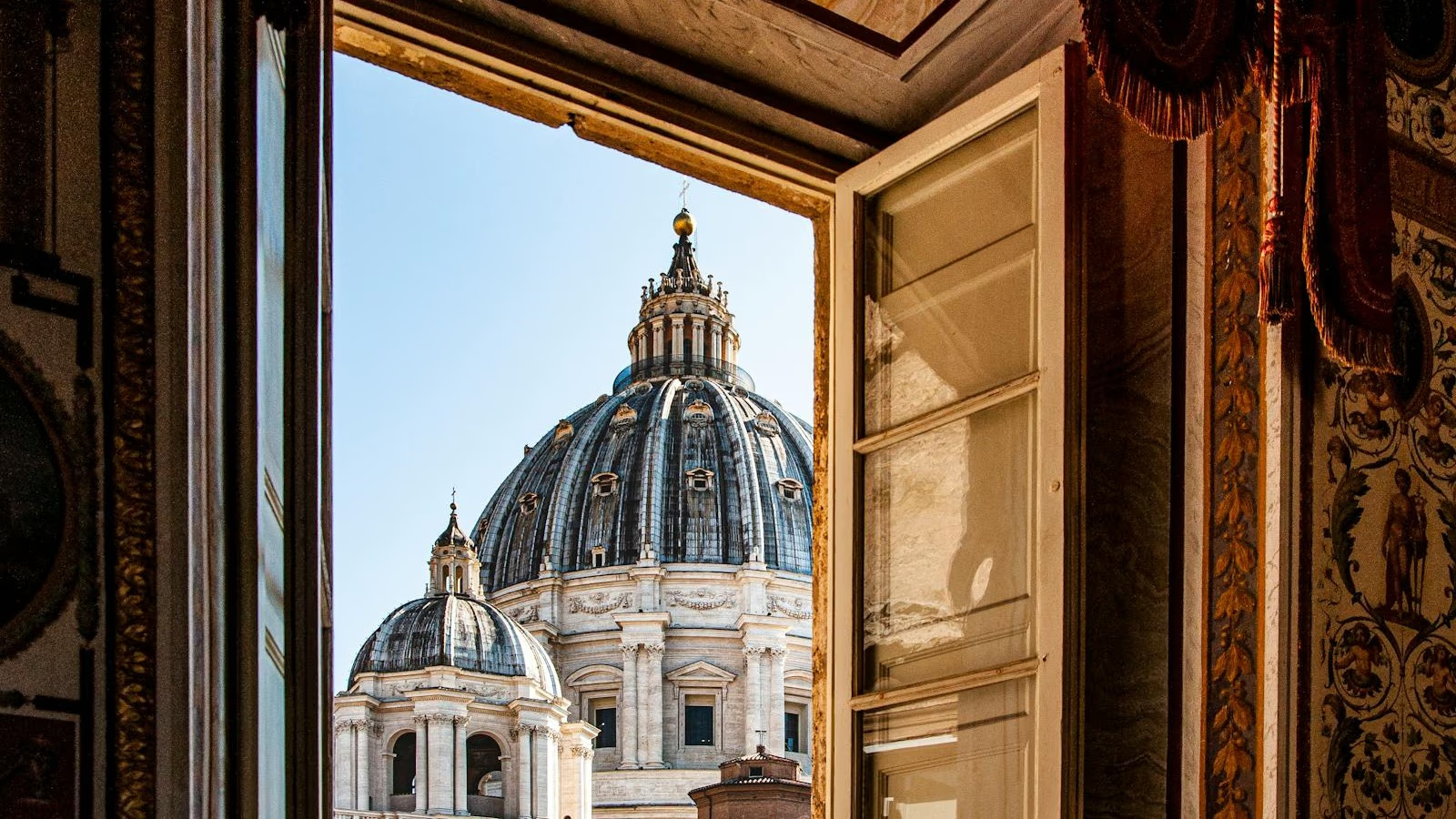
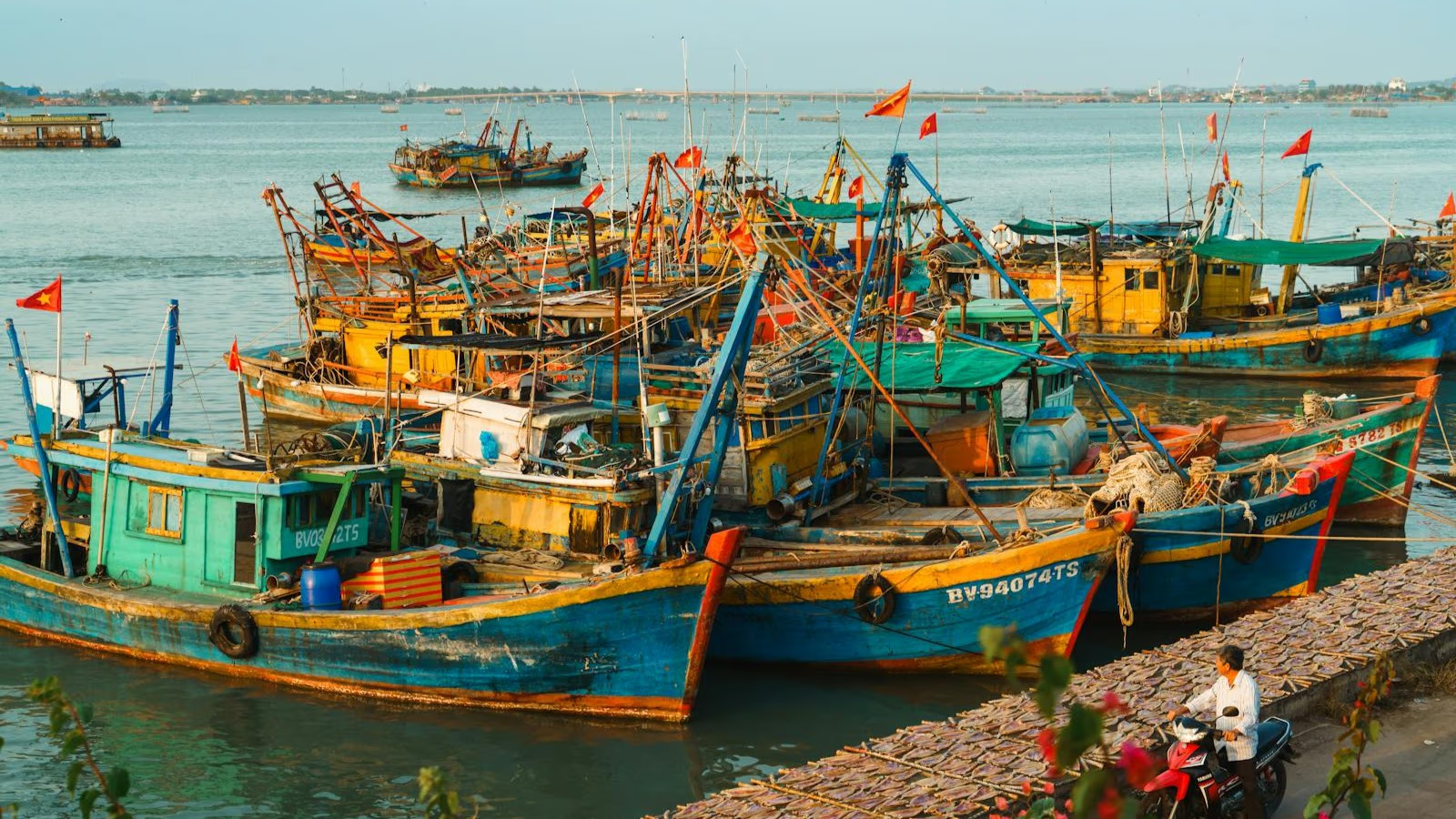
Bring Out Edges and Fine Textures
The image upscaler adds resolution and gives edges, textures, and small details more definition.
Upscale Low-Resolution Photos
- Reduce the Blocky LookWhen a small wildlife or outdoor photo is stretched, leaves and outlines can break into coarse blocks. Upscaling builds a denser, cleaner-looking result.
- Define Subject EdgesFiner edges make horns, fur, and foliage easier to tell apart, so the subject remains readable when the image is displayed larger.
Make Portrait Details Easier to See
- Bring Out Facial FeaturesIncreasing the resolution brings more definition to eyes, brows, hairlines, and other recognizable features when a small portrait is viewed up close.
- Show Fabric and Hair TextureFine patterns in a knitted hat and individual strands of hair stand out more clearly, giving the portrait more texture at a larger viewing size.
Keep Complex Textures Distinct
- Define Waves and FoamHigher resolution keeps the small contours in surf and whitewater more distinct, so a coastal scene retains visible structure instead of broad, soft patches.
- Hold Up on Bigger DisplaysRock edges, water patterns, and tonal changes remain easier to inspect when the finished image fills a screen or print layout.
How to Upscale an Image Online
Upload a supported image, choose an upscale level, and compare the higher-resolution result before downloading it as a PNG.
Upload Your Image
Sign in and choose a non-animated JPG, PNG, or WebP up to 20 MB and 36 megapixels.

Start Upscaling
Choose an upscale level and start processing. The upscaler increases the image resolution while refining visible edges and texture.
Compare and Download
Use the comparison slider to inspect the original and upscaled result, then download the finished image.
Where Upscaled Images Work Better
Give small source images enough resolution for the places where people will view, share, enlarge, or print them.
Product Images
Create higher-resolution listing photos that hold up better in galleries and give shoppers a clearer view of labels, materials, and small product details.
Social and Marketing
Reuse a small campaign image in posts, ads, and banners without letting the larger layout expose the original file's coarse pixels.
Presentations and Displays
Fill slides, web layouts, monitors, and digital signs with a higher-resolution image whose edges and textures remain distinct at a larger scale.
Prints and Keepsakes
Prepare photos for posters, photo books, and personal prints with more resolution, then check the result at the intended print size.
Image Upscaler FAQ
Answers about image quality, resizing, blurry sources, printing, supported files, free use, and privacy.